Every year brings a new wave of phones, laptops, tablets, and gadgets, each promising to be faster and smarter than the last. It is tempting to upgrade often, but replacing devices frequently is expensive, and electronic waste is one of the fastest-growing waste streams in the world. Most devices can last far longer than we use them, with a little care and the willingness to repair rather than replace.
Here is how to extend the life of your technology and make smarter decisions about when it is truly time to upgrade.
Why Device Longevity Matters
- Saves money: Keeping a phone or laptop even an extra year or two can save a significant amount over time.
- Reduces e-waste: Fewer discarded devices means less waste and fewer resources used to manufacture new ones.
- Less hassle: Avoid the time spent setting up and transferring data to new devices.
- Growing support: Many manufacturers now offer longer software update periods, and right-to-repair efforts in various regions are making parts and repair information more accessible.
Take Care of the Battery
Batteries are often the first component to decline and the most common reason people feel a device is “getting old.”
- Avoid extreme heat: Do not leave devices in hot cars or direct sunlight, and avoid heavy use while charging if the device gets hot.
- Use optimized charging: Many phones and laptops include settings that limit charging to around 80 percent or learn your routine to reduce battery wear. Turn them on.
- Avoid constant deep drains: Lithium-ion batteries generally prefer staying within a moderate charge range rather than frequently dropping to zero.
- Use quality chargers: Choose reputable, certified chargers and cables.
- Replace instead of replacing the device: A battery replacement can make an older device feel new again at a fraction of the cost of a new one.
Keep Software Updated, and Lean
Software updates deliver security patches, bug fixes, and sometimes performance improvements.
- Install system and app updates regularly.
- Remove apps and programs you no longer use.
- Disable unnecessary startup programs on computers.
- Clear out old downloads, duplicate photos, and large unused files to free up storage. Devices often slow down when storage is nearly full.
- Consider a clean reset if a device has become sluggish, after backing up your data.
Protect It Physically
- Use a good case and screen protector for phones and tablets.
- Use a padded sleeve or bag for laptops.
- Keep drinks away from keyboards and devices.
- Avoid wrapping cables tightly, which can damage them over time.
Clean Your Devices
Dust and grime can affect performance and lifespan.
- Gently clean charging ports with a soft brush or wooden toothpick, avoiding metal.
- Use compressed air to remove dust from laptop vents and keyboards, which helps prevent overheating.
- Wipe screens with a microfiber cloth and follow the manufacturer’s cleaning guidance.
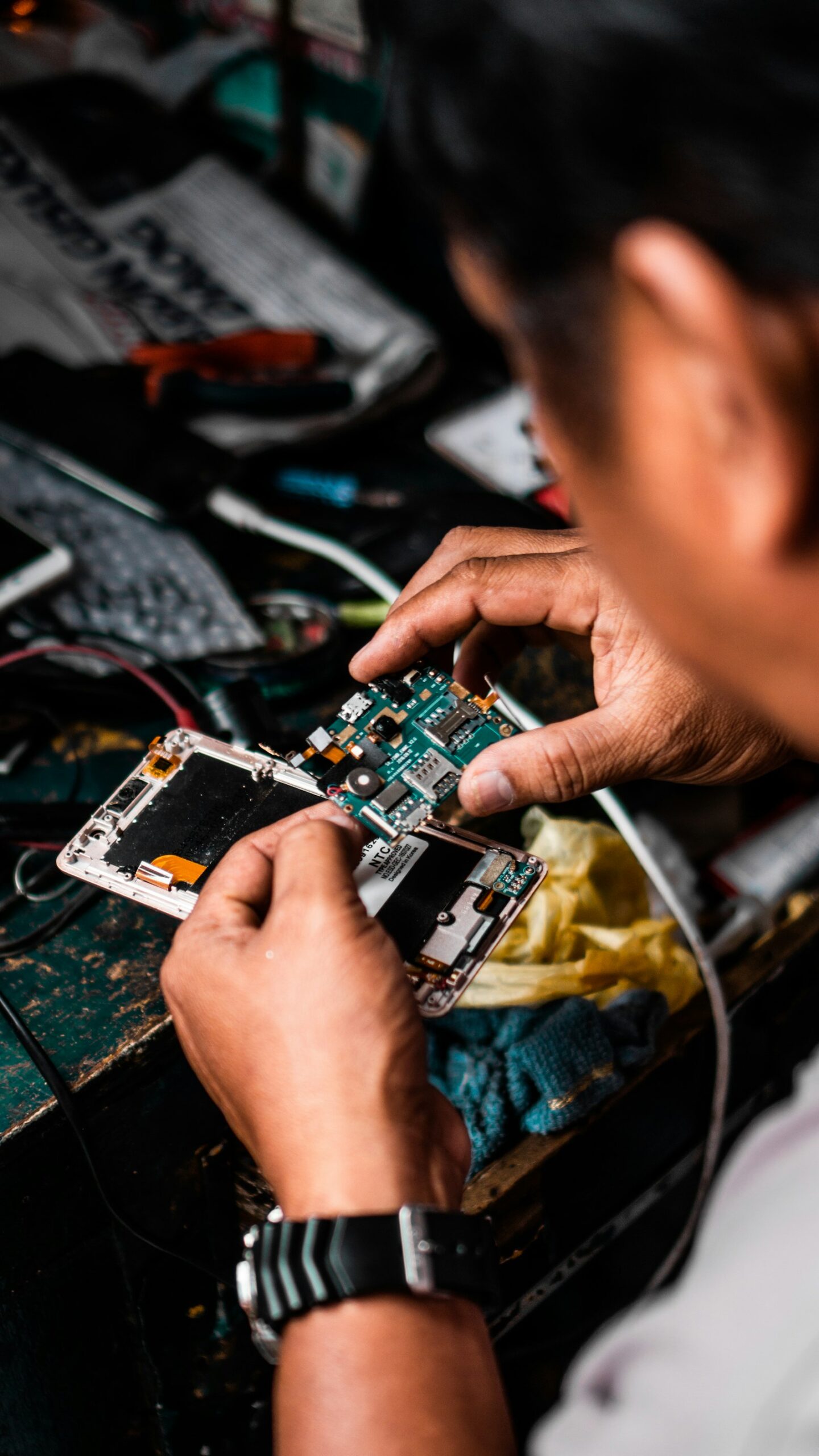
Repair Before You Replace
Many common problems are fixable.
Common Repairs
- Cracked screens
- Worn batteries
- Faulty charging ports
- Broken keyboards or trackpads
- Failing storage drives in older laptops
Where to Get Repairs
- Manufacturer repair services: Use official parts and may preserve warranties.
- Authorized or reputable independent repair shops: Often more affordable and convenient. Check reviews.
- DIY repair: For confident users, repair guides and parts kits are increasingly available. Start with simple repairs and use the right tools.
Before a repair, back up your data and check whether your device is still under warranty or covered by insurance.
Smart Upgrades Instead of Full Replacements
Sometimes a targeted upgrade is all you need.
- Adding memory (RAM) to a compatible laptop or desktop
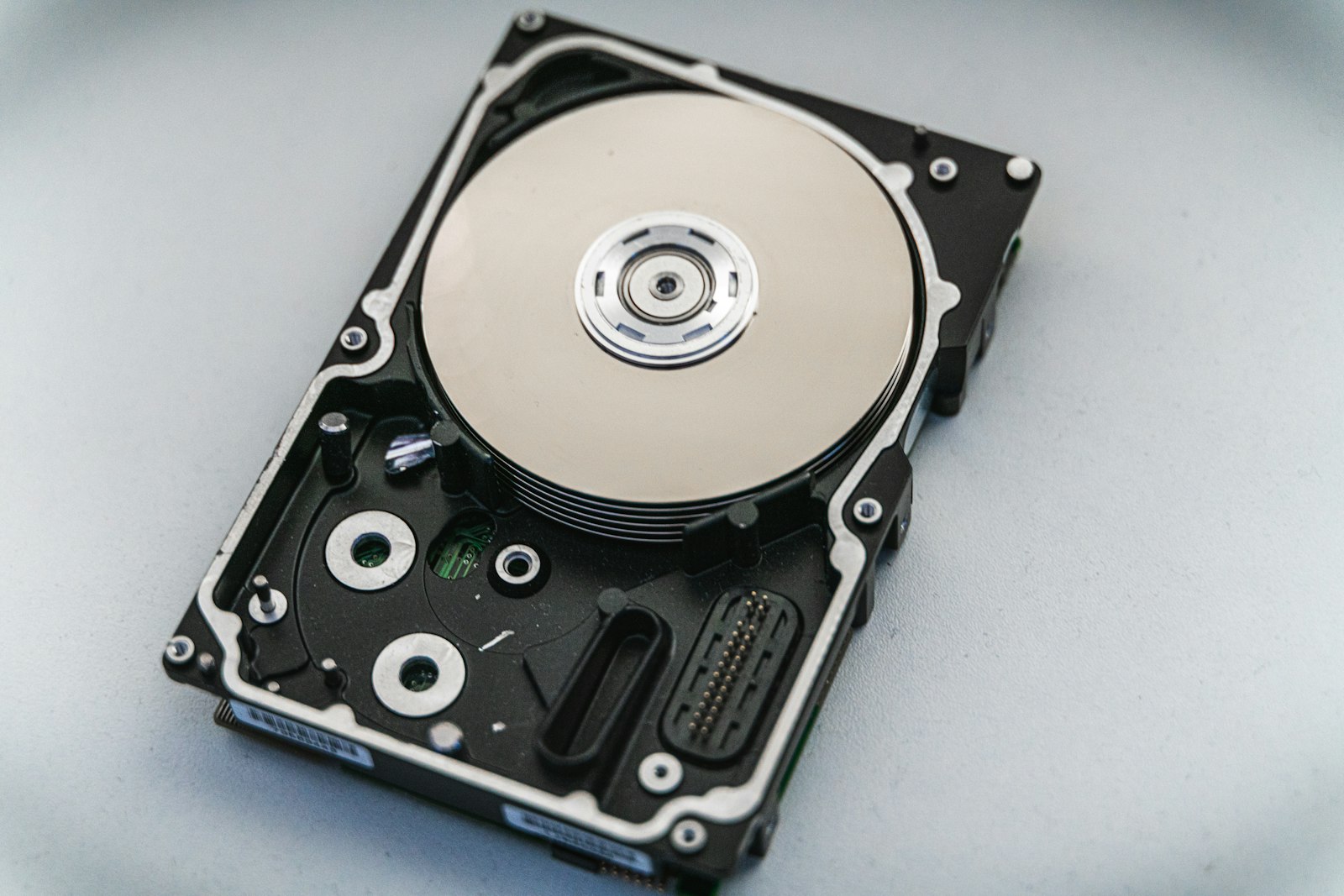
- Replacing an old hard drive with a solid-state drive (SSD), which can dramatically speed up older computers
- Using external storage or cloud storage to free up space
- Adding an external monitor, keyboard, or mouse to extend a laptop’s usefulness
When It Is Actually Time to Upgrade
Upgrading makes sense when:
- The device no longer receives security updates, which can put your data at risk
- Repair costs approach the price of a new device
- It cannot run the apps or software you need for work or school
- Performance problems persist even after cleaning, updates, and a reset
- Your needs have genuinely changed, such as needing a better camera or more powerful hardware for creative work
Buy Smarter Next Time
- Check how many years of software updates the manufacturer promises.
- Look for repairability, such as replaceable batteries or available spare parts.
- Choose enough storage and memory for future needs.
- Consider certified refurbished devices, which can offer good value.
Recycle or Reuse Responsibly
When a device reaches the end of its life with you, give it a second life. Sell or donate working devices, use trade-in programs, or recycle through certified e-waste programs. Before handing it over, back up your data, sign out of accounts, and perform a factory reset.
Frequently Asked Questions
Should I keep my phone plugged in overnight?
Modern devices manage charging safely, especially with optimized charging enabled. Avoid heat buildup by not charging under pillows.
Is a refurbished device a good option?
Certified refurbished devices from reputable sellers often come with warranties and can offer excellent value.
How long should a smartphone last?
With good care and continued software support, many smartphones can comfortably last several years.
The Bottom Line
Your devices can last much longer than you might think. Look after the battery, keep software updated and storage tidy, protect and clean your devices, and choose repairs or targeted upgrades before replacements. You will save money, reduce waste, and get more value from the technology you already own.