For years, most of the “smart” features on our devices depended on the cloud. When you asked a voice assistant a question or used a photo app to recognize faces, your request often traveled to a distant data center, got processed on powerful servers, and came back with an answer. Increasingly, that is changing. A growing share of artificial intelligence now runs directly on phones, laptops, tablets, and even earbuds and cars.
This shift, known as on-device AI or edge AI, affects privacy, speed, battery life, and the kinds of devices worth buying. Here is what it means and why it matters.
What Is On-Device AI?
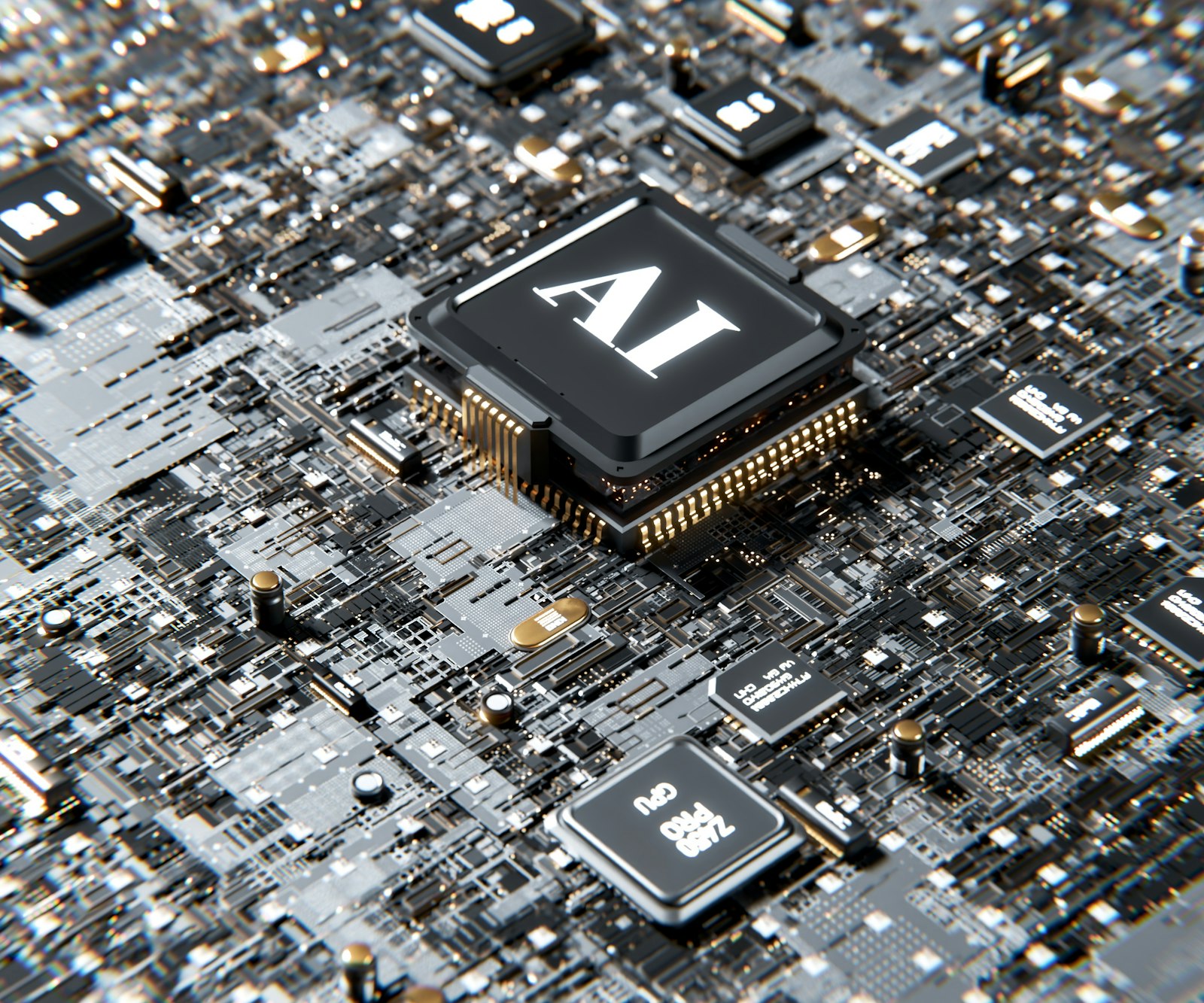
On-device AI means the AI model runs locally on your device’s own hardware instead of sending your data to remote servers for processing. Modern devices increasingly include specialized chips, often called neural processing units (NPUs) or AI accelerators, designed to handle AI tasks efficiently while using relatively little power.
Many products now use a hybrid approach: simpler or more private tasks run on the device, while larger or more demanding requests may be sent to the cloud.
Everyday Features That Often Run On-Device
- Face and fingerprint unlock
- Photo enhancements, background blur, and object recognition in your gallery
- Live captions and transcription of audio
- Voice commands that work without an internet connection
- Predictive text and smart replies on your keyboard
- Noise cancellation and voice isolation during calls
- Real-time translation in some apps
- Summarizing notifications, messages, or documents on newer devices
Why Companies Are Moving AI Onto Devices
Privacy
When data is processed locally, it does not need to leave your device. Your photos, messages, voice recordings, and documents can be analyzed without being uploaded to a server. This reduces exposure to data breaches and gives users more control.
Speed
Sending data to the cloud and waiting for a response introduces delay. On-device processing can deliver near-instant results, which matters for features like live captions, camera effects, and voice commands.
Works Offline
On-device features can work on a plane, in a remote area, or anywhere with weak signal.
Lower Costs at Scale
Running AI in data centers is expensive and energy intensive. Shifting some work to devices reduces the load on cloud infrastructure.
Personalization
Devices can learn your habits, such as how you type, which apps you use, and your routines, and adapt locally without sharing that data.
The Trade-Offs and Limits
On-device AI is not a complete replacement for the cloud.
- Smaller models: Phones and laptops have far less memory and computing power than data centers, so on-device models are usually smaller and may be less capable for complex tasks.
- Hardware requirements: Many newer AI features require recent chips and enough memory, so older devices may not support them.
- Battery and heat: Intensive AI tasks can use extra power and generate heat, although dedicated AI chips are designed to be efficient.
- Storage: AI models can take up significant space on your device.
- Not always clear: It is not always obvious which features run locally and which use the cloud. Check privacy settings and documentation for specifics.
What This Means When You Buy a New Device
If AI features matter to you, look beyond the marketing labels.
- Check the processor: Look for a recent chip with a dedicated AI or neural processing unit.
- Consider memory (RAM): On-device AI benefits from more memory. Devices with limited RAM may not support the latest features.
- Read the privacy details: Look for clear explanations of what is processed on the device and what is sent to the cloud.
- Look at software support: Devices that receive long-term updates are more likely to gain new AI features over time.
- Focus on features you will use: Do not pay extra for AI capabilities that do not fit your daily needs.
Protecting Your Privacy With AI Features
- Review AI and privacy settings after setting up a new device.
- Choose local processing options where available.
- Be thoughtful about what you share with cloud-based AI assistants and chatbots.
- Keep your device and apps updated for the latest security improvements.
- Use a strong passcode, since more sensitive processing now happens on the device itself.
Where On-Device AI Is Heading
Expect on-device AI to keep expanding into everyday products: laptops that summarize documents locally, cameras that recognize scenes instantly, cars with smarter driver assistance, wearables that interpret health signals, and smart home devices that respond without internet access. The balance between local and cloud processing will likely continue to evolve as chips become more powerful and efficient.
Frequently Asked Questions
Is on-device AI completely private?
It keeps more data on your device, which generally improves privacy. However, some features may still use the cloud. Check each feature’s settings and privacy information.
Does on-device AI drain my battery?
Dedicated AI chips are designed to be efficient, but heavy use of AI features can still affect battery life.
Will my older phone get new AI features?
It depends on its processor and memory. Many advanced features require recent hardware.
The Bottom Line
On-device AI moves intelligence closer to you, bringing faster responses, offline capability, and stronger privacy. It will not replace cloud AI entirely, but it is reshaping the devices we use every day. When shopping for your next phone or laptop, consider its AI hardware, memory, privacy approach, and update support alongside the usual specs.